Check if a user has validity and give the option to renew their membership if expired.
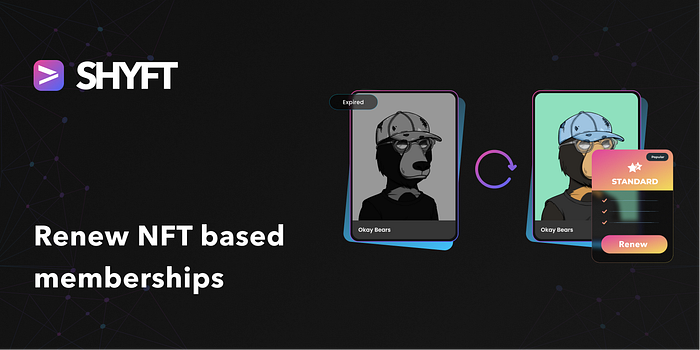
In the previous few tutorials, we have seen how we can maintain a membership service to a website using NFTs. How we can check and validate a user’s membership to a marketplace using NFTs, and how we can provide a new membership to a user using NFTs.
But there may be a scenario, where an existing user, who already had a membership for our marketplace, wants to extend his/her membership to the marketplace because his membership has expired. Such a scenario would imply that the user already holds a membership NFT in his or her wallet, but the end_date mentioned in the metadata is older than the current date. It may also happen, that the user holds a particular type of membership, (say green tier) and wants to upgrade to a more advanced membership (such as the red tier).
Press enter or click to view image in full size
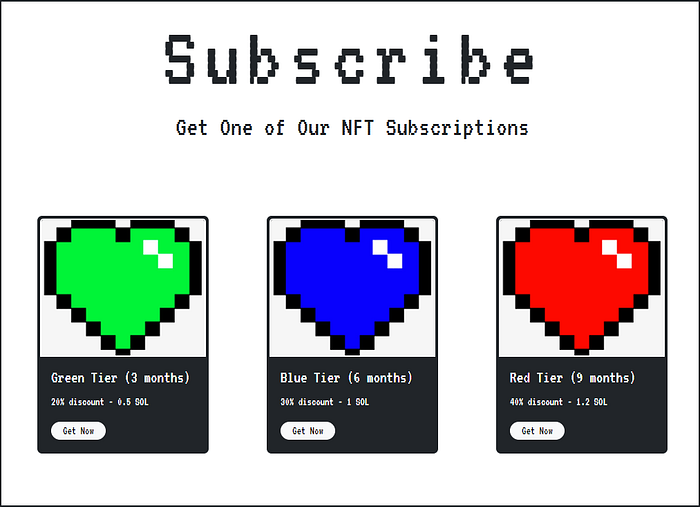
Memberships available for the marketplace
For both the above-mentioned scenarios, we can have a few possible solutions. One, we can create a new edition NFT with updated parameters (metadata) and keep the old one intact, or a better approach would be updating the existing subscription NFT present in the user wallet with updated parameters indicating the new subscription.
Read SHYFT Documentation here.
Renew/Update membership NFTs
Updating an existing NFT membership of a marketplace involves a few steps. First, we would have to deduct the membership charges from the user’s wallet and transfer it to the marketplace owner. Then, we would have to update the existing NFT in the user’s wallet with the details and the new expiry_date according to the plan the user chooses. All of this can be done using SHYFT APIs.

A Membership NFT which has expired
Deducting the charges and updating the Membership NFT metadata
In general, any membership is provided to the users in exchange for a certain price. Since we are providing an NFT-based subscription service, in our case the charges can be in any token currency be it SOL, or any other SPL token, such as mSol, Raydium or USDC etc. Once the charges have been deducted from the wallet, we can update the subscription NFT present in the user wallet. SHYFT has you covered for both of these operations. We use SHYFT’s update_v2 API in order to update the NFT with the details of the new membership and new membership end_date along with deducting the charges for the new subscription.
The API endpoint for performing both these operations:
POST https://api.shyft.to/sol/v2/nft/updateThis API accepts the x-api-key as a parameter in the header for the call. x-api-key is an authorization parameter used by SHYFT for validating its user. You can get your own x-api-key from the SHYFT website for free here.
For our marketplace model, we are 3 different types of membership, with different validity periods and offering different discount percentages.
Press enter or click to view image in full size
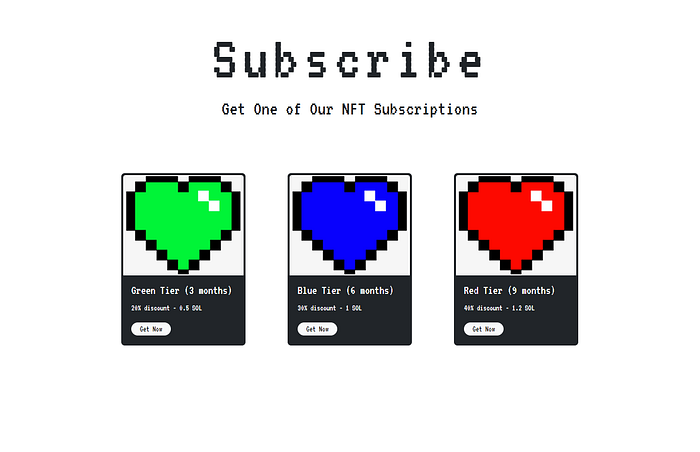
Memberships available for this store
Now, the user has selected a red-tier membership and we are trying to update the metadata based on that. The red tier membership provides a validity of 9 months along with 40% discount on products. So in order to implement that we can set the end_date to a date 9 months after the current date, and the discount percentage to 40.
So accordingly we set our parameters for the API call. Please note that only the fields which are being updated are passed on as _formData_ for the API call.
formData.append("name", "Blue");
formData.append("file", Blue);
formData.append(
          "attributes",
          JSON.stringify([
            {
              trait_type: "name",
              value: "Blue",
            },
      {
       trait_type: "discount",
              value: "40",
      }
            {
              trait_type: "start_date",
              value: THE_CURRENT_DATE,
            },
            {
              trait_type: "exp_date",
              value: DATE_AFTER_9_MONTHS,
            },
          ])
 );
And for deducting the charges required for renewing the membership service, we use the service_charge parameter. The wallet responsible for paying the service_charge and the gas fees for the transaction has to be mentioned fee_payer field, in our case that will be the user wallet.
Get Team Shyft’s stories in your inbox
Join Medium for free to get updates from this writer.
For details on SHYFT APIs and all API parameters, check out our dev blogs here, or you can check out our APIs on swagger UI here.
formData.append("service_charge",
  JSON.stringify(
    {
      "receiver": "WALLET_ADDR_OF_MARKETPLACE_OWNER", //or the wallet_address of the wallet which is receiving the transaction fee
      "amount": 1.2 //for red-tier membership, can be different for  other tiers.
    },
  )
);
formData.append("creator_wallet", "WALLET_ADDR_OF_MARKETPLACE_OWNER"); /or the wallet_address which has the update_authority of the membership NFT
formData.append("fee_payer", "USER_WALLET_ADDRESS");
This formData is used as a parameter for the API call. We have the axios package to make the API call, but any other method can be used as per the requirement.
axios({
        // Endpoint to get NFTs
        URL: "https://api.shyft.to/sol/v1/nft/update_detach",
        method: "POST",
        headers: {
          "Content-Type": "multipart/form-data",
          "x-api-key": xKey,
        },
        data: formData,
      })
Once the request is successfully executed, we get a response that is similar to somewhat like this.
{
  "success": true,
  "message": "NFT update request generated successfully",
  "result": {
    "encoded_transaction": "PQAAAAAAAAAAAAAAAAAAAAAAAAAAAAAAAAAAAAAAAAAAAAAAAAAAAAAAAAAAAAAAAAAAAAAAAAAAAAAAAAAAAACRAAEDGMqfUcVHHu2+lyU5gx9wU2rGxk2NoSXtodMSdev+DxU149+BuHwrHyERE4lK+pDqz1cPOaPnPAO56DKHpPnPqQtwZbHj0XxFOJ1Sf2sEw81YuGxzGqD9tUm20bwD+ClGZ75+gzsF6WPLOQgC+tL75bEdK/l5cBP0MXH6KxOmXycBAgIBALwBDwEEAAAASG9sYQIAAABITFgAAABodHRwczovL25mdHN0b3JhZ2UubGluay9pcGZzL2JhZmtyZWlod2Vxd3lkd29iaG9yM2FzZjd1YWFocm5tc3c2cDdnNnh5cnl6a2p4dTJuM2ZrZ2d6dnd5BQABAQAAABjKn1HFRx7tvpclOYMfcFNqxsZNjaEl7aHTEnXr/g8VAWQAAAEYyp9RxUce7b6XJTmDH3BTasbGTY2hJe2h0xJ16/4PFQEAAQE="
  }
}
This particular encoded_transaction, needs to be signed by two different wallets, one, which has the update_authority (update_authority_address) in our case that is the marketplace owner wallet, and the one which is paying the subscription fee (fee_payer), in our case which is the marketplace user wallet.
We use the following function for signing the encoded_transactionpartially by the owner wallet.
export async function partialSignWithKey(network, encodedTransaction, privateKey)
{
  const connection = new Connection(clusterApiUrl(network),    'confirmed');
  const feePayer = Keypair.fromSecretKey(decode(privateKey));
  const wallet = new NodeWallet(feePayer);
  const recoveredTransaction =   Transaction.from(Buffer.from(encodedTransaction, 'base64'));
  recoveredTransaction.partialSign(feePayer); //partially signing transaction with privatekey
  return recoveredTransaction;
}
Here privateKey indicates the private key of the user that is signing the transaction partially. Next, we attempt to sign the recoveredTransactionreceived from this function with the fee_payer wallet.
export async function partialSignWithWallet(connection, encodedTransaction, wallet)
{
//we have to pass the recoveredTransaction received in the previous step in the encodedTransaction parameterconst signedTx = await wallet.signTransaction(encodedTransaction);
//signing transaction with the fee_payer walletconst confirmTransaction = await connection.sendRawTransaction(signedTx.serialize());return confirmTransaction;
}
The parameters of this function are theconnection to Solana network instance, the recoveredTransaction in the previous step and the wallet object of the user. This function will sign the recoveredTransaction by the user wallet.
Check out our tutorial on how to sign transactions on Solana.
Once the transaction has been successfully signed by both the wallets, the NFT subscription will be updated.
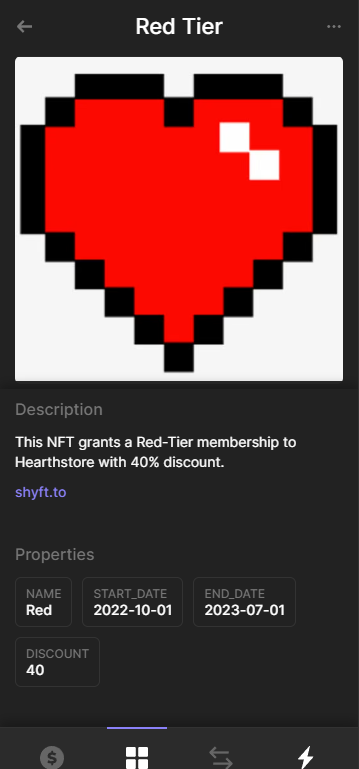
The updated NFT membership
Note: all the responses used in this tutorial series are sample responses, the data may differ, but the fields will remain the same.
Press enter or click to view image in full size

Using Membership NFT for identifying a red-tier member and providing services(discounts) accordingly
So, that’s pretty much everything about this tutorial series where we see how we can maintain a subscription service using NFTs. If you enjoyed this tutorial series, or you want to build an NFT marketplace on Solana, feel free to check out our marketplace tutorial.
Also, if you want to follow along with this tutorial, check out our GitHub repo of this project here.
We hope you have a great time building dApps with SHYFT APIs. Happy Hacking!
You can find all the functions related to signing a transaction here, or you can also check out our blog on signing transactions.
Click here to check out the first part of this tutorial series. Also, if you have missed out on the 2nd part of this tutorial series, click here.
Resources
Join our Discord